
Integrate OpsGenie with Round Robin
You need to be a Slack Admin or an Owner of Round Robin to manage this connection.
You can integrate OpsGenie with Round Robin using an API Key.
To connect Round Robin and OpsGenie you need to access the Integration settings as Primary Owner or Admin.
Before connecting to OpsGenie, you need to authorize Round Robin to access the user:read:email scope. The process will be handled automatically during the first login phase.
Integration Walkthrough
First, open OpsGenie, and go to Api Key Management from the Settings Menu.

Create a new API Key.

You need to provide the following scopes: Read, Configuration Access.

Open the Round Robin Dashboard, then go to Settings > Integrations in the left menu.
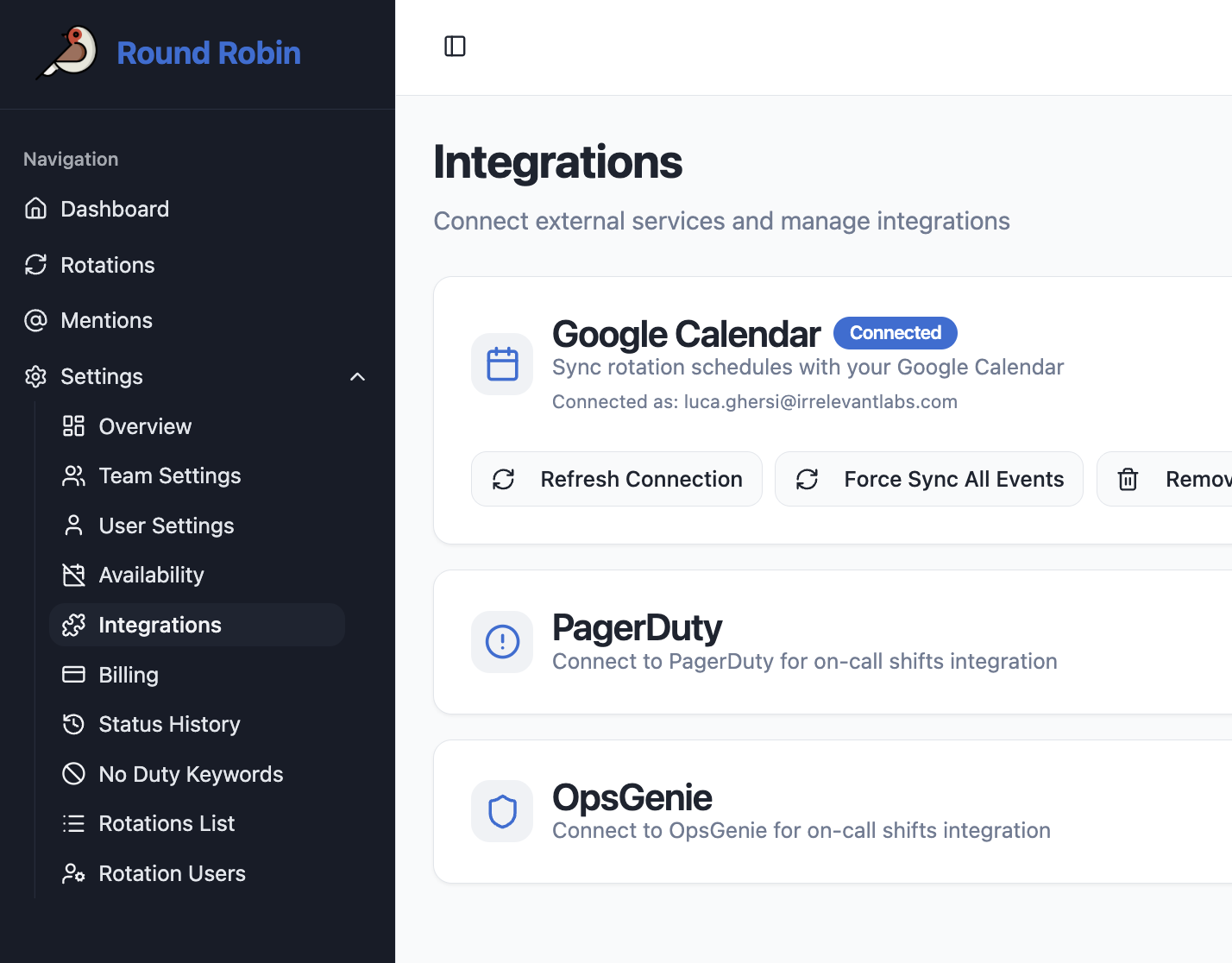
Click "Connect," enter the API Key in the modal, and press "Connect with API Key". Connection is now established.

How to Uninstall
Using the same section in the Round Robin Dashboard, click on "Disconnect".
All OpsGenie-bound rotations will revert to Manual.